



Gantry 5 is an open-source platform shared by the Grav, Joomla and WordPress CMS, currently developed by Tiger 12, which makes it possible to create highly flexible themes with excellent visual quality. It is built on the Twig templating language (popularised by Drupal and Symfony), brought to WordPress through the Timber library, which maps CMS functions to Twig.
Beyond this technical aspect, Gantry offers an elegant development environment by limiting the use of the archaic functions.php file, eliminating the cluttered theme customiser, and making the template hierarchy more accessible for beginners who do not need to dive into PHP code when customising a complex site.
An Ajax-based web interface allows non-developers to work on the site structure by creating and associating different layouts (outlines) that can be assigned to specific contexts: posts, pages, archives, menu items or taxonomy elements (categories, tags, etc.). An inheritance system makes it possible to share the same settings across different layouts or to duplicate them. It is advisable to disable the per-post assignment in the settings to avoid too many outlines on large sites.
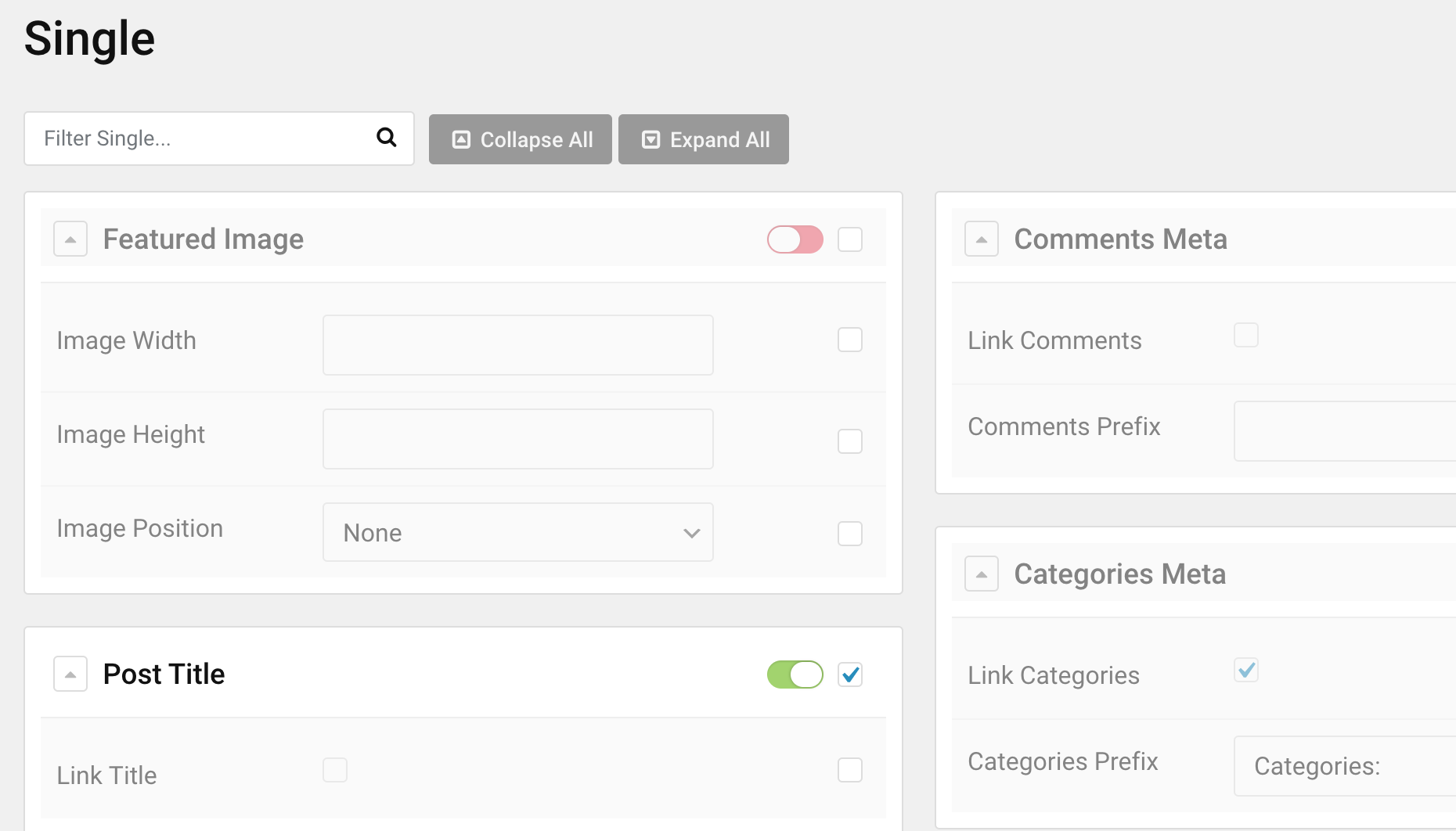
The Content tab, specific to WordPress, allows you to enable or disable titles, thumbnails, excerpts, publication dates or author information for each outline.
Where to start?
A launcher including WordPress with Gantry and a pre-installed theme — free and with no limitations — can be downloaded here. It is worth highlighting the generosity of this base offering, which is no small thing in the WordPress ecosystem where extension prices can be quite steep.
Theme modifications are made in a custom folder, so that updates can be applied without overwriting your changes. It is also possible to create a child theme using wp-cli or manually, then add two files following the procedure described in the documentation.
The CSS framework is lightweight and uses SASS with a built-in compiler, versioned URL filenames and a Whoops debugger. A custom/scss folder contains overrides for all SCSS files in the theme. Those not required can be disabled. The custom.scss file centralises all your modifications. Standard CSS can also be introduced without compilation via the layout settings section by non-developers — this kind of attention to the needs of different user types is very much appreciated.
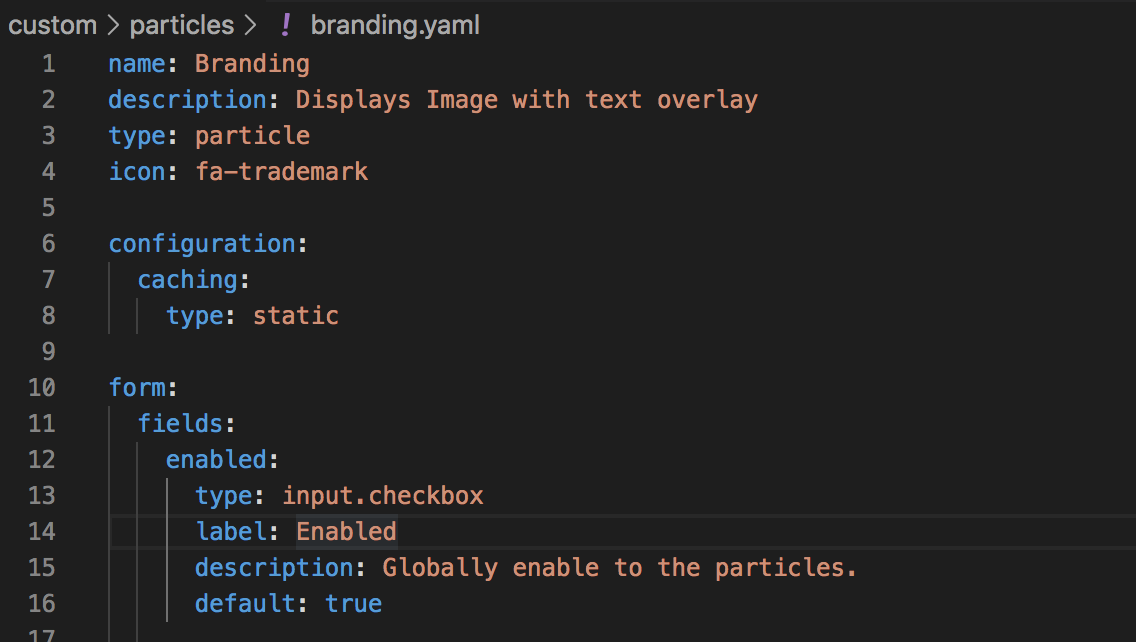
The views and particles folders inside custom can hold Twig or PHP overrides. Components made up of a Twig file and a YAML file — called particles in Gantry parlance — are positioned in the layout via drag and drop. Certain particles create classic WordPress widget positions, while others display posts filtered by category or tag. The default HTML particle can contain WordPress shortcodes or Twig code. All particles can inject images (without the constraints of the WordPress media manager), Javascript or CSS code in a localised manner. This finer asset management will suit a performance-conscious developer who will be relieved to have an alternative to the usual functions.php file although the latter remains fully functional.
Integration example with Twig
On a complex site, it can be difficult to locate the correct outline (layout) from the front end. It is possible to create a direct link inside a Twig template or a particle by using native WordPress functions such as current_user_can to restrict access to administrators and admin_url to generate a clean URL. Here is an example of Twig code to use inside a particle with caching disabled:
{% if function('current_user_can', 'administrator' ) %}
{% set layout_url = "admin.php?page=layout-manager&view=configurations/" ~ gantry.page.outline ~ "/layout" %}
<a href="/{{ function('admin_url', layout_url) }}">Edit outline</a>
{% endif %}
Each outline is configurable through YAML files stored in the custom/config folder. With practice and a good text editor, you can save a great deal of time by bypassing the web interface for the most tedious modifications. Because configuration is stored as plain text files rather than in a database, it is straightforward to work on a development server and deploy theme changes with a simple rsync command from the terminal — and vice versa, for example:
rsync -av ./wp-content/themes/g-helium-child/custom $(ssh):$(path)/$(directory)/wp-content/themes/g-helium-child/customIf you use Visual Studio Code, you can also install some SFTP sync extension for that matter.
Any bugs?
A major advantage of Gantry is that development is transparent and any issue can be reported directly to the developers on their GitHub account.
Is a framework like Gantry made redundant by the WordPress block system?
No. Gantry and the block editor work perfectly well together. The Gutenberg editor is primarily aimed at absolute beginners and becomes more cumbersome as soon as you want to step off the beaten path — for instance, simply adding certain attributes to an element or customising a block by editing its code. Gantry, on the other hand, allows the creation of layouts and particles (widgets) with minimal effort and greater control for developers already familiar with the basics of PHP/Twig/JS/CSS — in other words, the traditional professional WordPress user. It will also suit agencies that need a pixel-perfect development framework with solid performance.
See also: Gantry 5 on the test bench: developing templates for Joomla!, Wordpress and Grav