



Yootheme Pro is a template creation system and a web page builder (pagebuilder) produced by a German company which is installed on Joomla or Wordpress CMS (Content Management System). Before installing a pagebuilder, you must understand that the point of a CMS is to separate the content from the structure of the website, which is different from the process of creating a static HTML page.
Indeed, if there have been visual web page creation tools like Macromedia Dreamweaver since the 2000s, the problem with this approach is the relative lack of flexibility. If elements of the site structure change, it quickly becomes very difficult to maintain a certain homogeneity among all the pages. The choice of a pagebuilder to create your site is therefore not trivial and you are exposed to a regular redesign of the site in the event of significant changes or at least to more significant maintenance work, when it includes a large number of pages and subcategories or if its design was poorly thought out.
Integration with CMS
Yootheme pro has the advantage of being well integrated with the operation of the CMS platform. The user can for example use a headline type element to insert the title of their page or map it with the title of the CMS article. Key point: the pagebuilder data is saved as a JSON string in the CMS content table, which allows access, among other things, to versioning or keyword search in pages. A snippets library allows you to quickly transfer sections and items from one page to another. Moreover, if the site owner decides to stop using Yootheme Pro, he will find the pagebuilder content converted into basic html and will just have to reformat it according to the new template's framework.
On Wordpress, Yootheme Pro is integrated with the Customizer, custom fields such as ACF and traditional widgets and allows you to create posts and pages with the native Gutenberg builder. Nevertheless, integrating two different builders is not, in my opinion, a good solution, especially if the site is entrusted to beginners. It is better to reinstall the classic editor to have a uniform user experience between Yootheme which uses tinymce in its text blocks and Wordpress.
On Joomla, the builder can also be directly integrated into a traditional module and displayed in a predefined position. It is also partially compatible with Joomla guided tours, making it easier for beginners to use.
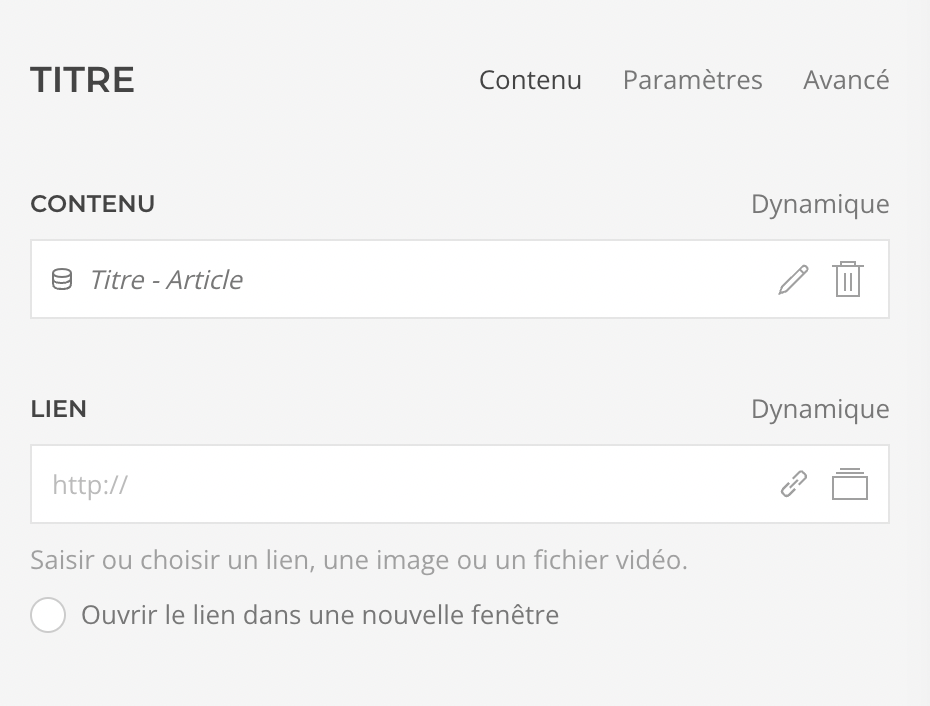
Another important element is the dynamic integration of CMS page categories. For example, if your site includes blog articles, a list of events or cooking recipes, it is possible to integrate articles linked to categories or tags into a layout grid, in order to dynamically display titles, descriptions, images and custom fields, which allows you to maintain a certain degree of abstraction in the layout.
By hiding the complexity of the code necessary to build a web page, any pagebuilder still ends up offering a host of options in a heavy and complex interface which requires training, particularly if the user lacks minimal knowledge in HTML/CSS and how to use the browser's developer tool to understand what's happening in the background. Of course, if the site has been developed correctly and has regular maintenance, updating the content by a novice user is made easier and clean work can be carried out. For example, the webmaster can make sure to properly name each element of the layout to facilitate future changes. Some optimizations that pose problems for beginners are also automatic, such as compressing images in a webp format with fallbacks to jpg/png or reducing the jpg compression level.
en jpg/png ou la réduction du niveau de compression jpg.
Is it developer friendly?
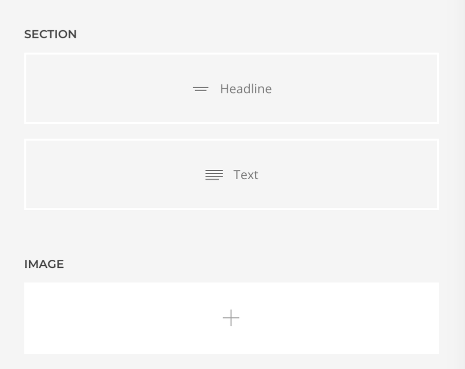
Yootheme pro modifies the ways Joomla or Wordpress themes are working using PHP overrides. It allows you to overload any element (called builder) in a child template and to make modifications or create your own element in a relatively simple way once you are familiar with how the framework works. The field settings are in JSON, so it is not complicated to modify them or create new ones. The same json format is used to export elements or sections from a development site to the production site or to create reusable element libraries. With AI, it is also possible to easily convert data from HTML to json to integrate them for example in an element such as Gallery or Grid.
It is possible to inject inline CSS styles into all elements. This simplifies the development of the site by novice integrators, but this practice quickly leads to the disorganization of the code that requires regular redesigns for its optimization. It is therefore important to properly structure your basic LESS code.
Like most pagebuilders, Yootheme is dogmatic, so no choice we develop the front part of the site with the Uikit home CSS framework - excellent and well documented - and the CSS LESS preprocessor or we limit ourselves to simple overrides in the CSS code.
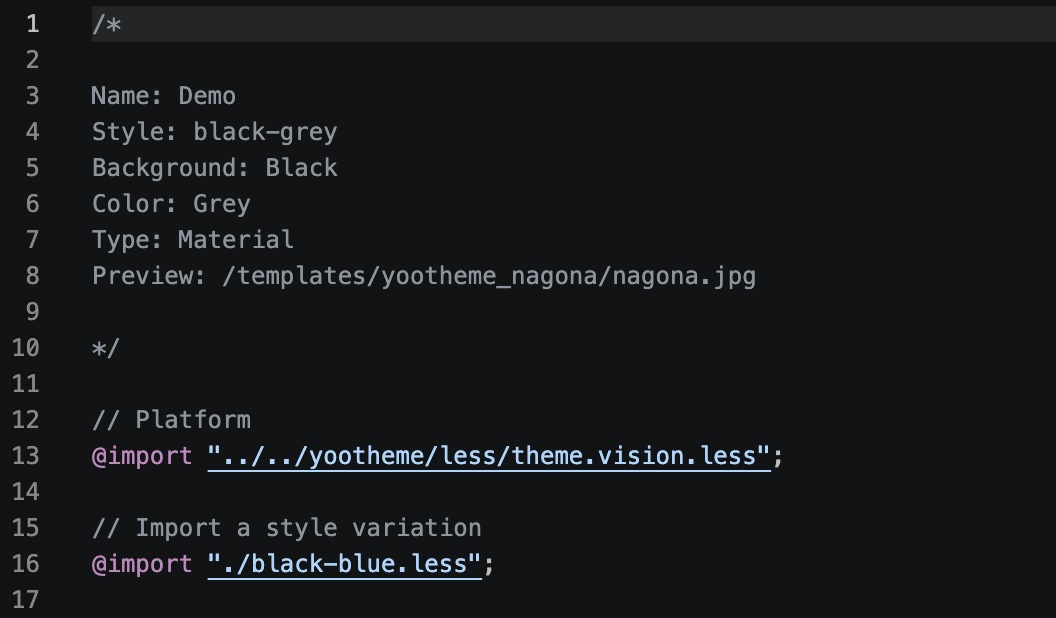
A developer will be able to add his own LESS files in the child template or override the LESS files completely. Many additional CSS rules can be avoided by a fine adjustment in the Yootheme Pro customizer, then these adjustments can be exported in LESS variables. LESS hooks do exist inside the UIkit code in order to help the developer reduce redundancies and optimize the final CSS file. Yootheme does not use jQuery or Bootstrap (Joomla), which nevertheless remain available as an option. All the JS scripts you write can be integrated with the home GDPR consent banner. This is a big plus for this theme.
In summary
Yootheme Pro is an excellent pagebuilder regularly updated by its development team which is offering modern, efficient and elegant features and templates. In addition, it integrates well with the dynamic fields of the CMS. The documentation is of good quality and it is possible to ask questions in a forum/knowledge base and a Discord server.
The negative aspects are mostly the same as for other site builders:
- It requires an annual license cost
- The complexity and degree of abstraction of a pagebuilder and its ecosystem of extensions require the application developer to constantly adapt them to CMS updates to ensure the compatibility of the development environment.
- It does not offer a demo version.
I have linked below a demonstration video, but you can also contact me for a personalized demonstration of this builder on Wordpress or Joomla.
Source: Yootheme Pro demonstration